How to Collect Photos From Wedding Guests
The best moments of a wedding end up on guests’ phones, and most of those photos never reach the couple. The four common ways to gather them, what each asks of your guests, and a setup that takes a few minutes before the day.
In this article
Key takeaways
- Guest photos go missing because collecting them is left until after the wedding, when everyone has moved on.
- Every extra step — an app to install, an account to create — is a reason for a guest to skip it.
- Decide before the day where the photos go and when everyone gets to see them.
- One QR code on the tables, mentioned once, does most of the work.
At a wedding, the photographer covers the ceremony, the portraits and the first dance. Everything in between — the table that laughed all night, the grandparents on the dance floor, the view from the back row — ends up on guests’ phones. Those photos are the hardest ones to get back.
This guide covers how to collect photos from wedding guests: why the usual approach loses most of them, the four common ways to gather them, what to look for, and how to set up a shared camera before the day.
Why wedding guest photos go missing
The usual plan is to ask for photos afterwards. By then the moment has passed. Guests are back at work, the photos sit somewhere in a camera roll of thousands, and a polite request in a group chat competes with everything else in their week.
The photos that do arrive often come through messaging apps, which commonly compress images to save data. What reaches the couple is a scattered set of smaller copies, spread across several conversations.
The fix is not to ask harder afterwards. It is to decide, before the wedding, where the photos go — and to make sending them take less effort than not sending them.
Four ways to collect photos from wedding guests
1. A shared cloud album
You create an album in a photo service and share the link. It keeps everything in one place, but adding photos usually requires an account with that service, and guests have to find their photos and upload them after the fact.
2. A wedding hashtag
Guests post with a hashtag you choose. It costs nothing and collects photos while the night is still going, but it only gathers what people post publicly. Photos from private accounts do not appear under a hashtag, and platforms compress what is uploaded.
3. An upload link or QR code
A page where guests upload photos from their phone’s browser. There is usually no app and no account, which removes the biggest barrier. Guests still have to choose to upload — which, again, tends to happen later, if at all.
4. A shared camera
Instead of collecting photos after they are taken, guests shoot straight into one shared album during the event. There is nothing to upload later, because every photo lands in the album the moment it is taken.
The same idea works outside weddings — a birthday, a leaving party, a trip — where it usually goes by another name: a party camera.
| Method | What guests need | When photos arrive | Where they end up |
|---|---|---|---|
| Shared cloud album | Usually an account with the service | After the wedding, if uploaded | One album |
| Wedding hashtag | A social account and a public post | During the night | Spread across public feeds |
| Upload link or QR code | A browser | Whenever guests upload | One place |
| Shared camera | A browser | As they are taken | One album |
What to look for before you choose
- No download for guests. Not everyone will install an app for one evening.
- No account for guests. Every sign-up screen is a place to give up.
- Full resolution. Compressed copies look fine on a phone and poor in a print.
- One place. Photos spread over chats, feeds and folders are photos nobody looks at again.
- Control over who sees what. Some moments are for the couple first.
How to set up a shared camera with Blue Hour
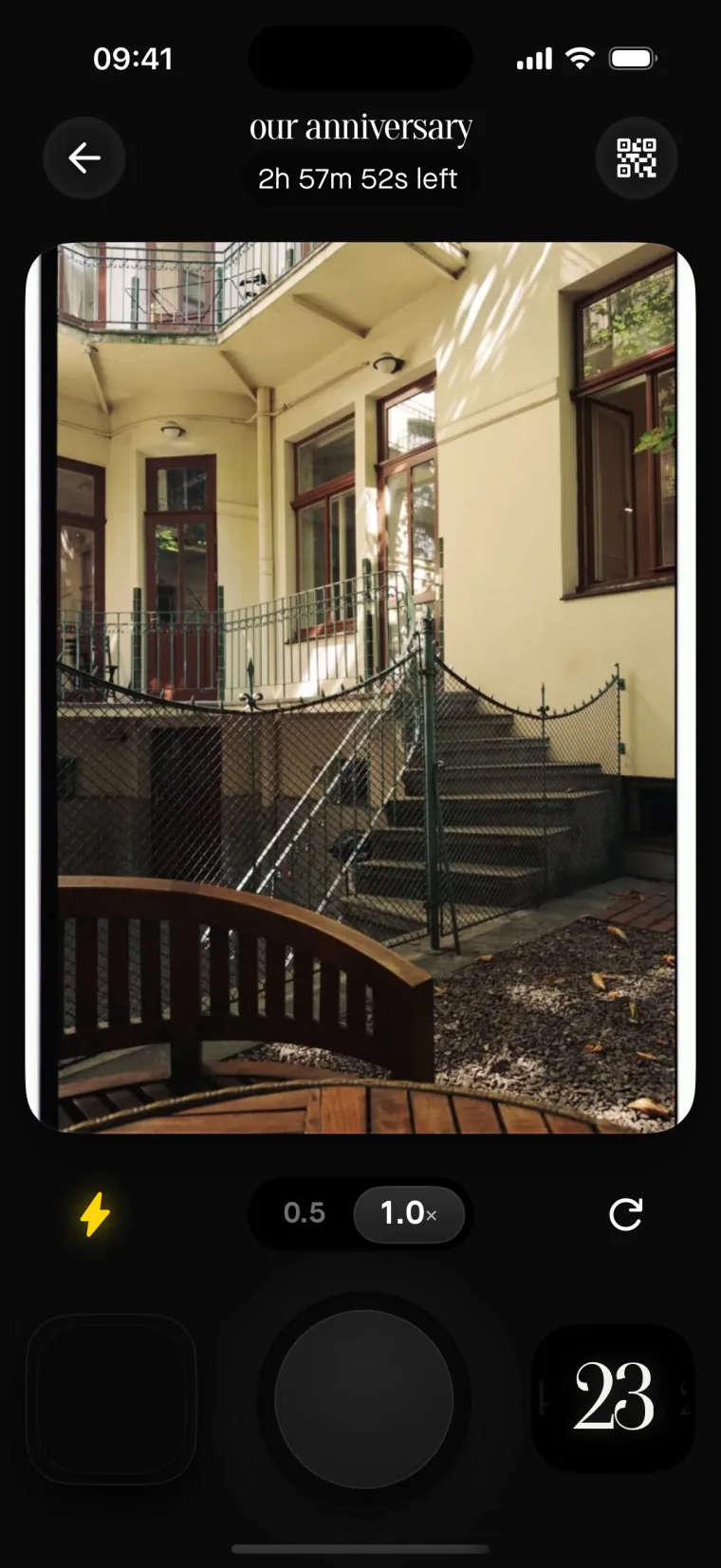
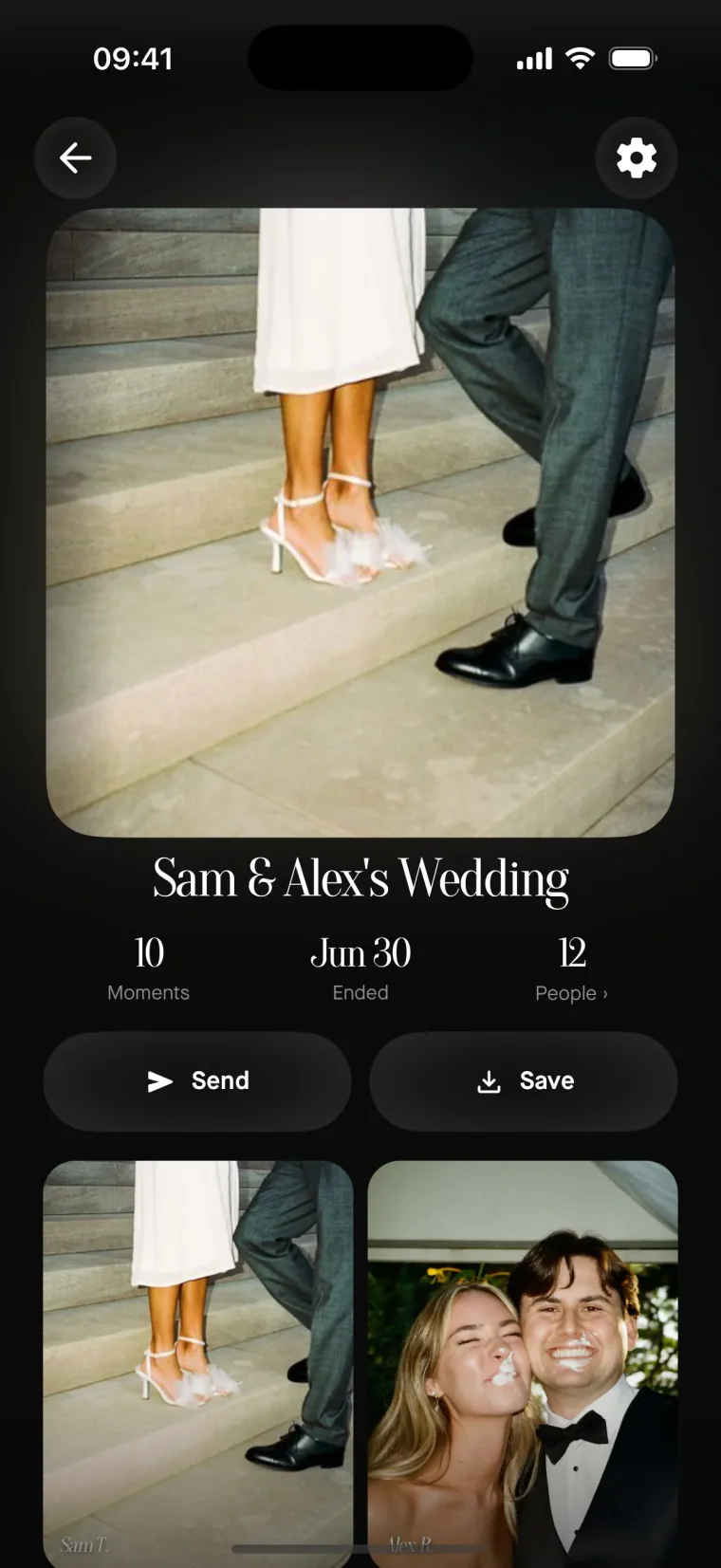
Blue Hour is a shared camera for events. The host sets up one film in the iPhone app, and guests join from their own phones without installing anything.
- Create a film. Name it, pick when shooting ends and when the photos reveal, and choose one camera look for the whole night.
- Show the code. Put the film’s QR code on the tables or share the link. Guests scan it, type their name, and they are in.
- Let them shoot. Everyone shoots from the browser on their own phone. Every photo lands in the same film, at full resolution and without a watermark.

A shared camera, not a shared folder.
Photos from a phone’s library cannot be added to a film. Every photo is taken in the moment, through the camera the host chose — which is why the album reads as one night rather than a pile of uploads.
When everyone sees the photos
A film stays sealed until the host reveals it. While it is sealed, each guest sees only their own shots. The host decides when it opens: as photos are taken, when shooting ends, a few hours later, or at a chosen moment. The reveal is the same moment for everyone.
Opening the film the morning after, for example, turns the photos into something the whole wedding sees together rather than a download that arrives piece by piece.
How much it costs
Blue Hour is paid once per event, priced by how many people may join. Payment goes through the App Store: nothing renews, there is no subscription, and guests never pay anything.
| Up to | Price |
|---|---|
| 5 participants | Free |
| 10 participants | $1.99 |
| 25 participants | $4.99 |
| 50 participants | $14.99 |
| 100 participants | $29.99 |
| 150 participants | $49.99 |
| 200 participants | $69.99 |
| Unlimited | $99.99 |
Prices and currency may vary by location.
Tips for the day
- Put the QR code wherever people wait. On every table, at the bar and by the entrance.
- Mention it once, out loud. A single line during the welcome or a toast reaches everyone at the same time.
- Choose the look before the day. One camera look gives the whole night a single style.
- Tell guests when the photos open. Then nobody waits for them during the party.
Frequently asked questions
Do wedding guests need to download an app?
No. Guests scan the QR code or open the link, type their name, and start shooting from the browser on their phone. No account, no install.
Can guests add photos from their camera roll?
No. Every photo in a film is taken in the moment, through the film’s look. It is a shared camera, not a shared folder.
Who can see the photos during the wedding?
While the film is sealed, each guest sees only their own shots. It opens for everyone at the same moment, and only the host decides when.
Does it work for guests with Android phones?
Yes. The Blue Hour app is for iPhone and is used by the host to create the film. Guests on any phone can shoot from the browser.
One film for the whole wedding
Free for up to five guests. One payment per event after that — and never anything for your guests.
Get started