On this page
- What a party camera actually is
- Why guests won't install your app
- How it works, in three steps
- The part everyone gets wrong: the reveal
- One camera, not forty different filters
- What it costs, and what the alternatives cost
- Where to put the code so people actually use it
- What you get afterwards
- When Blue Hour is the wrong tool
- Questions people actually ask
- If you're planning a wedding specifically
- Putting one out at your next party
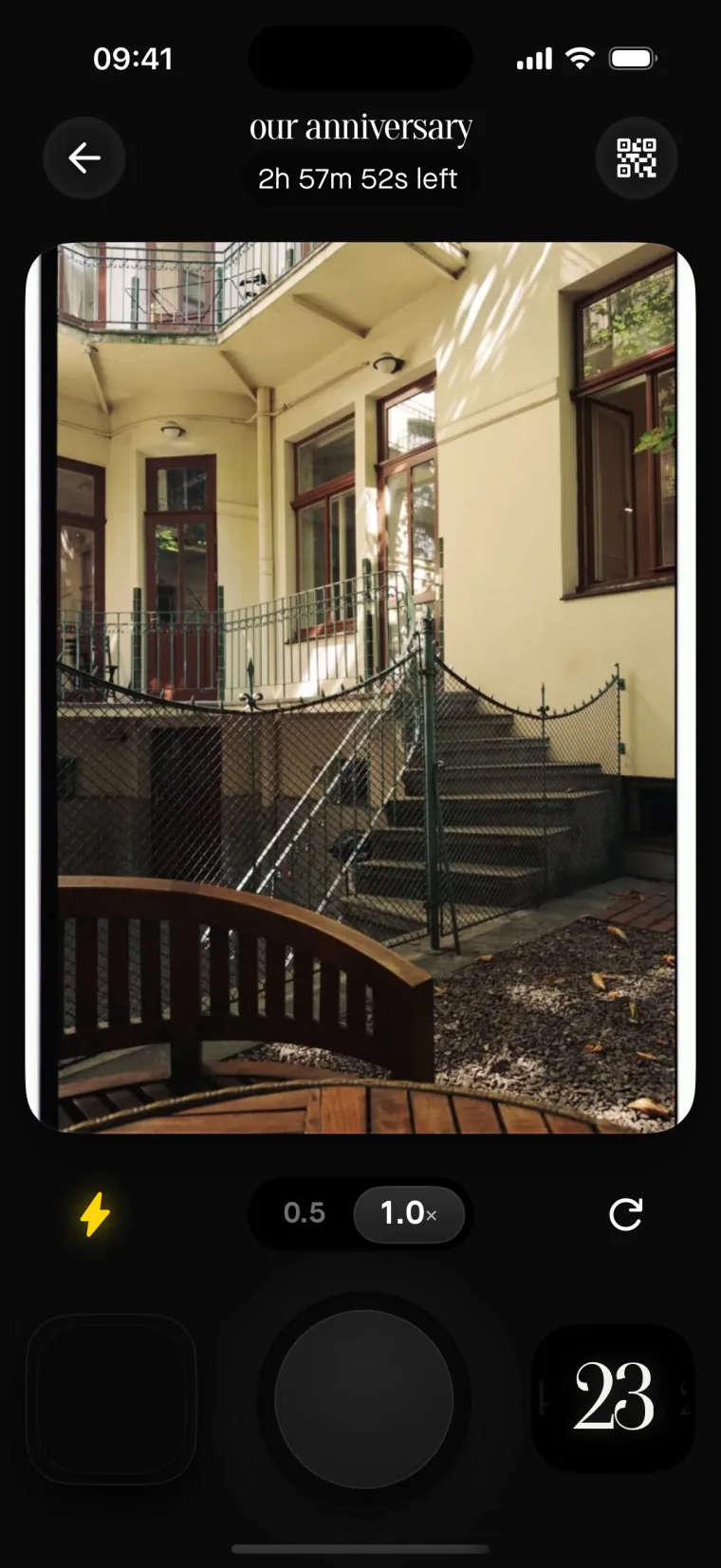
A party camera turns every guest's phone into one shared camera for the night. They scan a QR code, the camera opens in the browser — no app to install, no account — and every shot lands in the same film. Nobody sees a single photo until you unlock them, so the whole party looks at the night together, once.
Key takeaways
- A party camera is one shared camera your guests reach through a QR code — no install, no account, no login.
- Everything lands in one film instead of eleven group chats and a dead hashtag.
- Photos stay sealed until you reveal them, so nobody spends the night editing their own highlight reel.
- Free for five guests. After that you pay once for the event — $1.99 for ten, $29.99 for a hundred — and your guests never pay anything.
Here's the uncomfortable part. You already have forty cameras at your party. They are in everyone's pockets, they cost more than the ones you were about to buy in bulk, and they take better photos. What you don't have is a reason for people to use them and somewhere for the results to go.
What a party camera actually is
The phrase gets used for three different things, which is why searching for it is confusing.
Sometimes it means a physical disposable camera on each table — twenty-seven exposures, a plastic winder, and a trip to a lab three weeks later. Sometimes it means a photo booth in the corner with a backdrop and an attendant. And sometimes it means what we mean: a shared camera that lives inside the phones your guests already brought.
The third one is the only version where the number of cameras scales with the number of people, and where the photos exist before you go to bed.
Why guests won't install your app
Every shared-album product eventually hits the same wall. The host is motivated — it's their wedding, their birthday, their leaving party. The guests are not. They are holding a drink. They have known about this event for four minutes. Asking them to visit an app store, wait for a download, create an account, and verify an email is asking them to do five things, and each one loses people.
So the guest side of Blue Hour has no app and no account. A guest scans the code, types a name, and the camera is open. That's it. They can shoot from the browser on any phone, including Android, including the ancient one your uncle refuses to replace.
It's worth being precise about what that means: guests need nothing. The host needs an iPhone, because the host app is where a film gets created, named, and revealed.
How it works, in three steps
One: create the film. Name it, pick when shooting stops, pick when the photos reveal, and choose one camera look for the whole night.
Two: put the code where people already look. On the tables, by the bar, on the back of the menu. Guests scan it with the normal camera app — no scanner app, no link to type.
Three: put your phone away. This is the part that matters. You are not the photographer, you are the host. Once the code is out, the party takes its own photos.
The part everyone gets wrong: the reveal
Most shared-photo tools show every upload the instant it happens. That sounds generous and it quietly ruins the thing you were trying to capture.
When photos appear immediately, three things follow. People start checking the feed instead of the room. People start shooting for the feed — the composed one, taken twice, with the good side facing out. And the bad, funny, actually-worth-keeping frames get deleted before anyone else sees them.
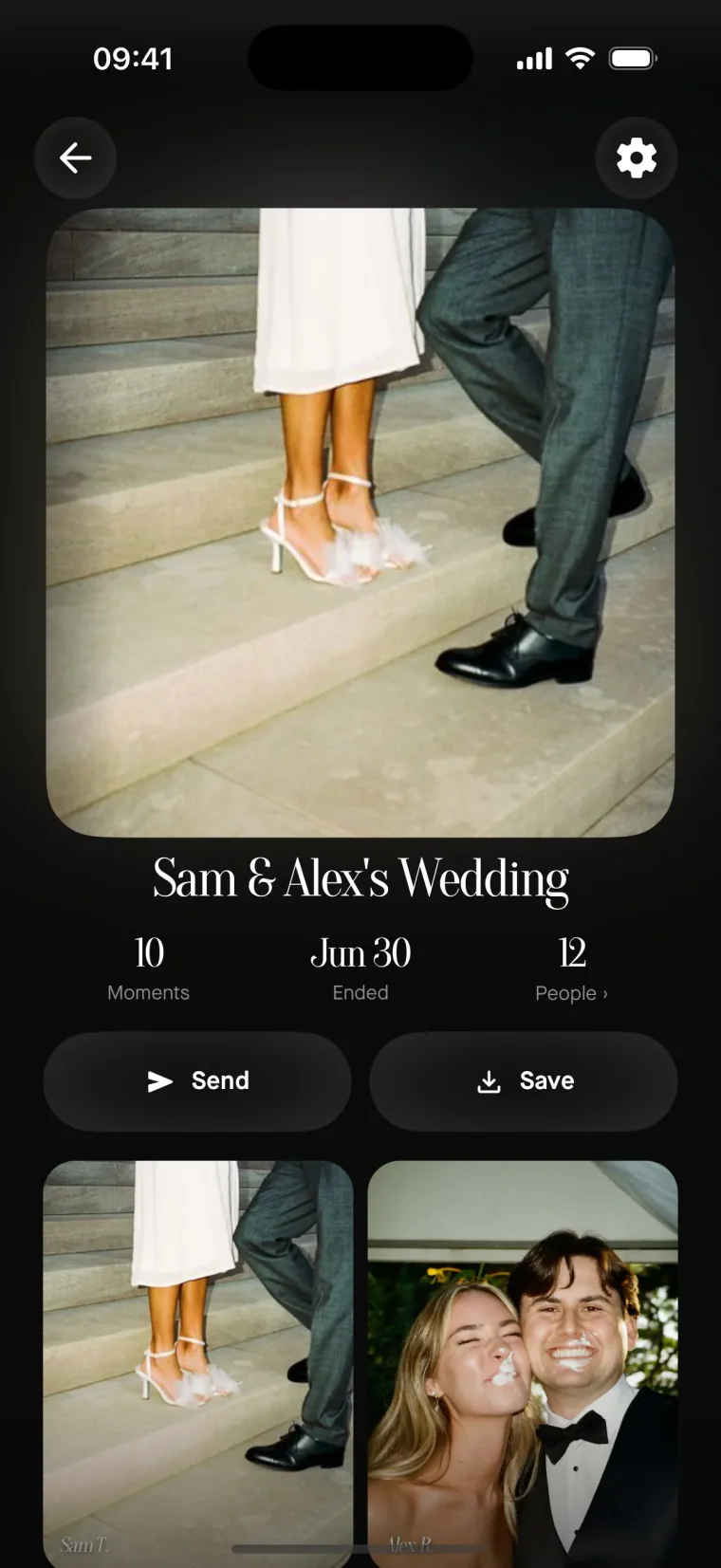
In Blue Hour the film is sealed while the party runs. Every guest sees only their own shots. Then it opens for everyone at the same moment, and only you decide when that is: as photos are taken, when shooting ends, a few hours later, or at a time you pick. Nobody curates, because there is nothing to curate into.
The morning-after version is the one people talk about. Two hundred photos you have never seen, taken by people who were not thinking about how they looked while taking them.
One camera, not forty different filters
The other thing that makes a pile of guest photos feel like a pile of guest photos is that every phone shoots differently, and then eleven people apply eleven filters.
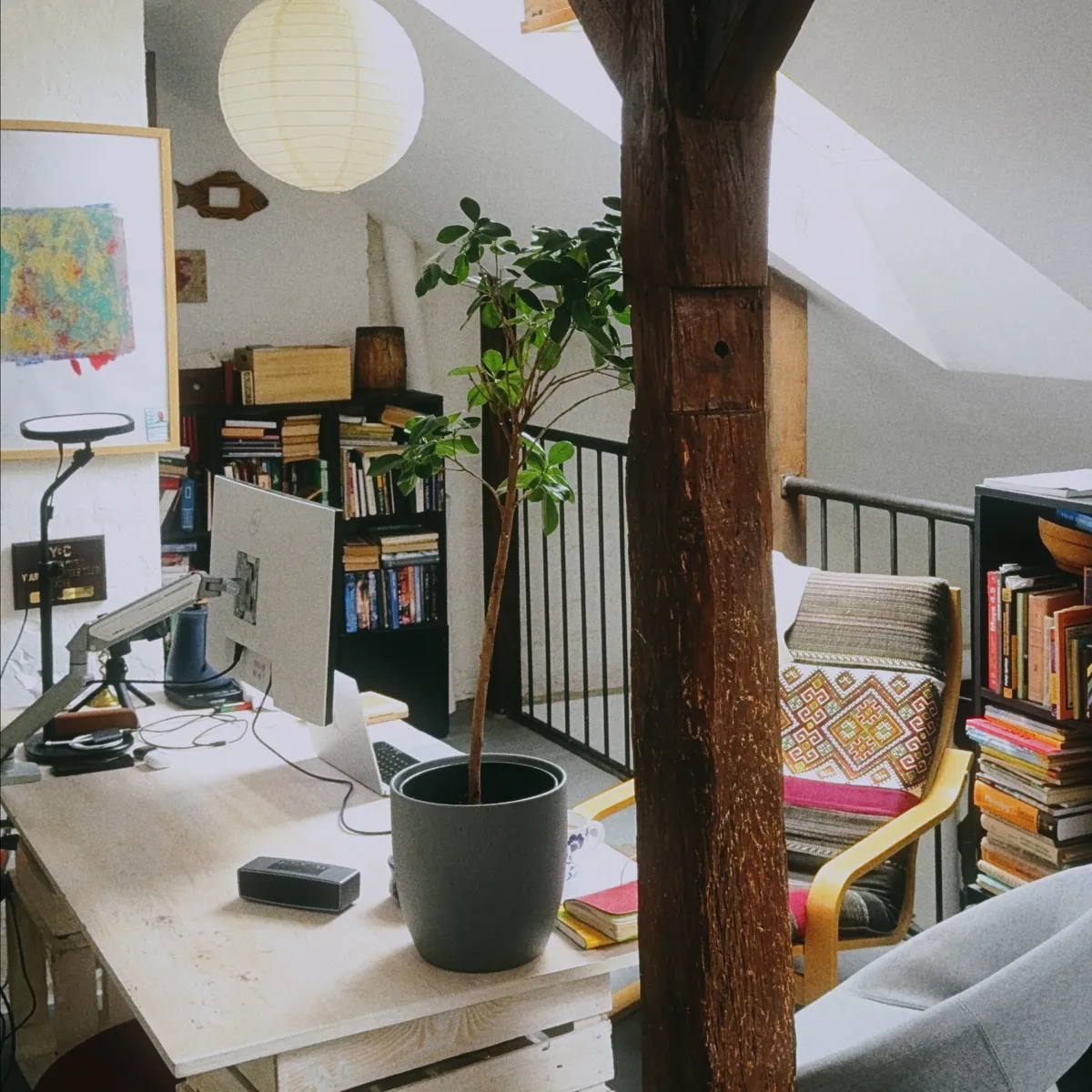
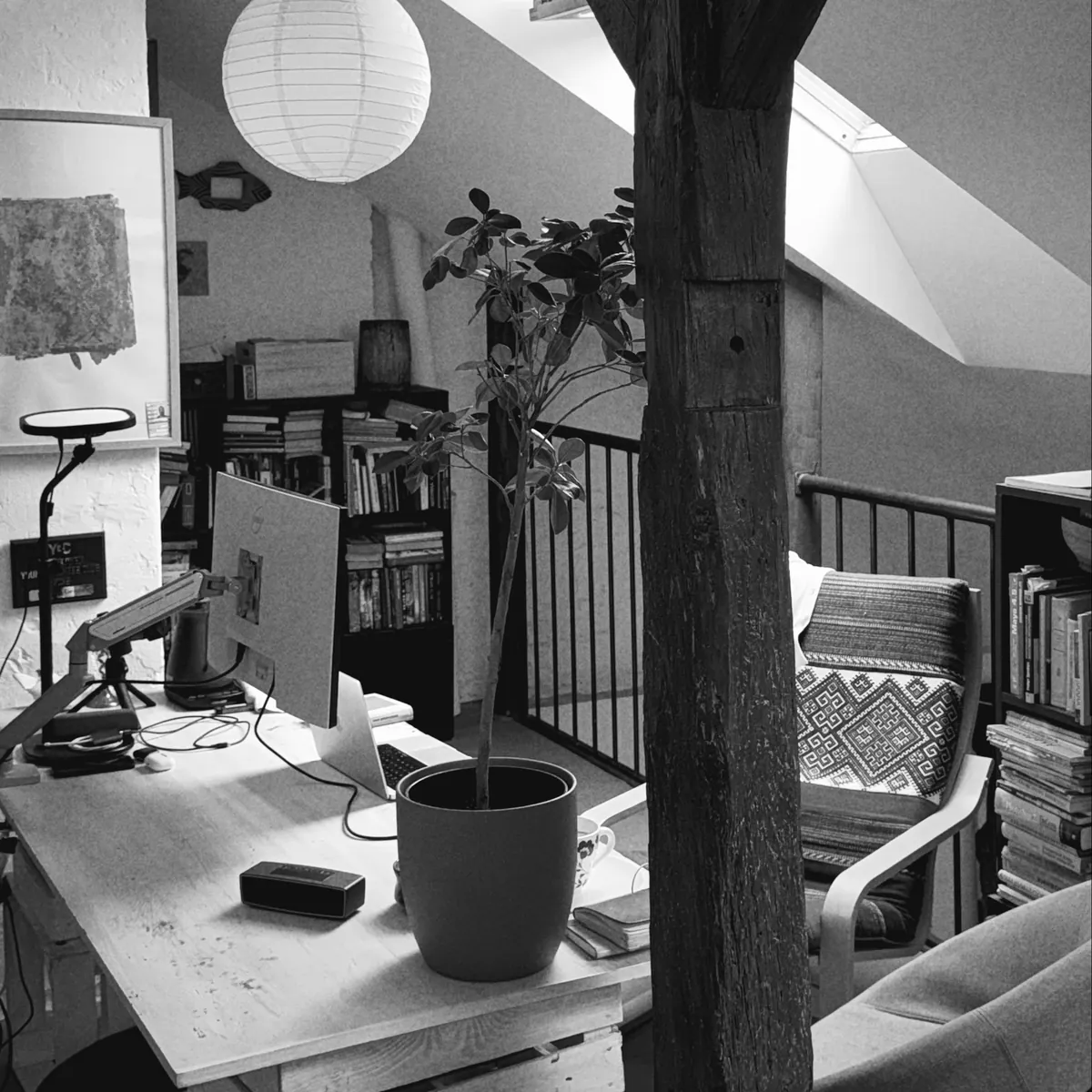
So you pick one camera for the whole event and everyone shoots through it. There are three: Original, true to life. Vintage, warm and grainy. Black & White, nowhere to hide.
These are not colour filters sitting on top of the picture. They change the frame, the focus, the falloff and the grain, because they were built from measured cameras and emulsions. The result is an album that looks like it was shot on one roll, which is exactly what it was.
What it costs, and what the alternatives cost
Blue Hour is one payment per event. Nothing renews, there is no subscription, and guests never pay.
| Guests | Blue Hour | Scene |
|---|---|---|
| Up to 5 | Free | Free |
| Up to 10 | $1.99 | $2.99 |
| Up to 25 | $4.99 | $9.99 |
| Up to 50 | $14.99 | $19.99 |
| Up to 100 | $29.99 | $39.99 |
| Up to 150 | $49.99 | $59.99 |
| Up to 200 | $69.99 | $79.99 |
| Unlimited | $99.99 | $99.99 |
Prices checked on 14 September 2026 and shown in USD; App Store regional pricing means your number may differ. We are cheaper at six of the seven paid tiers and identical at the top one, which feels like the honest way to put it.
The physical version is the comparison people actually make, and it is worth doing the arithmetic yourself before the party: a camera per table, plus developing every roll, plus the three weeks, plus the frames that came out black.
Where to put the code so people actually use it
This is the difference between a film with nine photos and a film with three hundred, and it has nothing to do with software.
Put the code where people are already stationary and slightly bored: on the tables, propped at the bar, by the food, on the back of the menu. One code per table beats one code at the entrance, because nobody scans anything while they're taking their coat off.
Say it out loud exactly once. During a toast, or whenever the room is already listening: there's a code on your table, take some photos, you'll see everyone's in the morning. One sentence from the host does more than any sign, and repeating it turns you back into the person managing the party instead of enjoying it.
Two small things that matter more than they should. Don't put the code somewhere dark, because phone cameras hunt for focus and people give up in about three seconds. And put a couple out near wherever people end up standing late in the night — the kitchen, the smoking corner, the stairs — because that's where the photos you'll actually want get taken.
What you get afterwards
Photos come back at the resolution the phone shot them at, uncropped and unwatermarked, on every tier including the free one. You can send a frame straight to Instagram Stories. Films also hold fifteen-second videos with sound, which is where most of the noise of a party actually lives.
Photos from the camera roll cannot be added, and that is deliberate. It's a shared camera, not a shared folder. Ten thousand pictures of someone's lunch are not part of this.
When Blue Hour is the wrong tool
Three cases, plainly.
If you want guests to upload photos they took last week, or on a real camera, you want a shared album, not a shared camera. We don't do that on purpose.
If you need every photo to appear on a screen in the room as it is taken, the sealed film is working against you. Pick a live slideshow product instead.
And if the host doesn't have an iPhone, you're stuck for now: guests can shoot from any phone, but creating and revealing a film happens in the iOS app. It isn't in the App Store yet — that's the next thing we ship.
Questions people actually ask
What is the best camera for parties?
The best camera at a party is the one already in someone's hand. Forty phones will out-shoot one hired camera simply by being in forty places at once. What they need isn't better hardware, it's one place for the photos to land and a reason to take them.
Is the party camera app free?
Blue Hour is free for events with up to five guests, with no card and no trial. Above that you pay once for that event — from $1.99 for ten guests — and nothing renews. Guests never pay anything at any tier.
How much does a party camera app cost?
One payment per event, sized by how many people can join: $1.99 for ten guests, $4.99 for twenty-five, $14.99 for fifty, $29.99 for a hundred, up to $99.99 for unlimited. Prices are App Store regional, so your local amount may differ.
What app can I use to take pictures at parties?
Guests use nothing but their browser: they scan the QR code and the camera opens. The host creates the film in the Blue Hour iPhone app, picks the look and sets when the photos reveal.
Why is Gen Z using old cameras?
Because a photo that can't be checked, retaken and curated captures the night instead of the pose. That's the mechanic we kept — one look for everyone, no previews for the room, and a reveal that happens once — without the film, the lab or the three-week wait.
If you're planning a wedding specifically
The mechanics are the same, but the logistics aren't: more tables, more people who don't know each other, and a photographer already working the room. We wrote that up separately in how to collect photos from wedding guests, which compares the four usual approaches and what each one asks of your guests. More of those are in the guides.
Everything else people ask — refunds, removing a guest, what happens to the photos afterwards — lives in the FAQ. If your question isn't there, write to us.
Putting one out at your next party
Create a film, print the code, and stop being the person walking around asking people to send you their photos. Everything else is the party's job.